

Performance and upgrade tools
Browse battery, SSD, repair-or-replace and device life checks in one place.
See whether an SSD upgrade is still the cheapest way to make an old laptop feel usable again.
No personal information is collected. All processing is local to your browser.
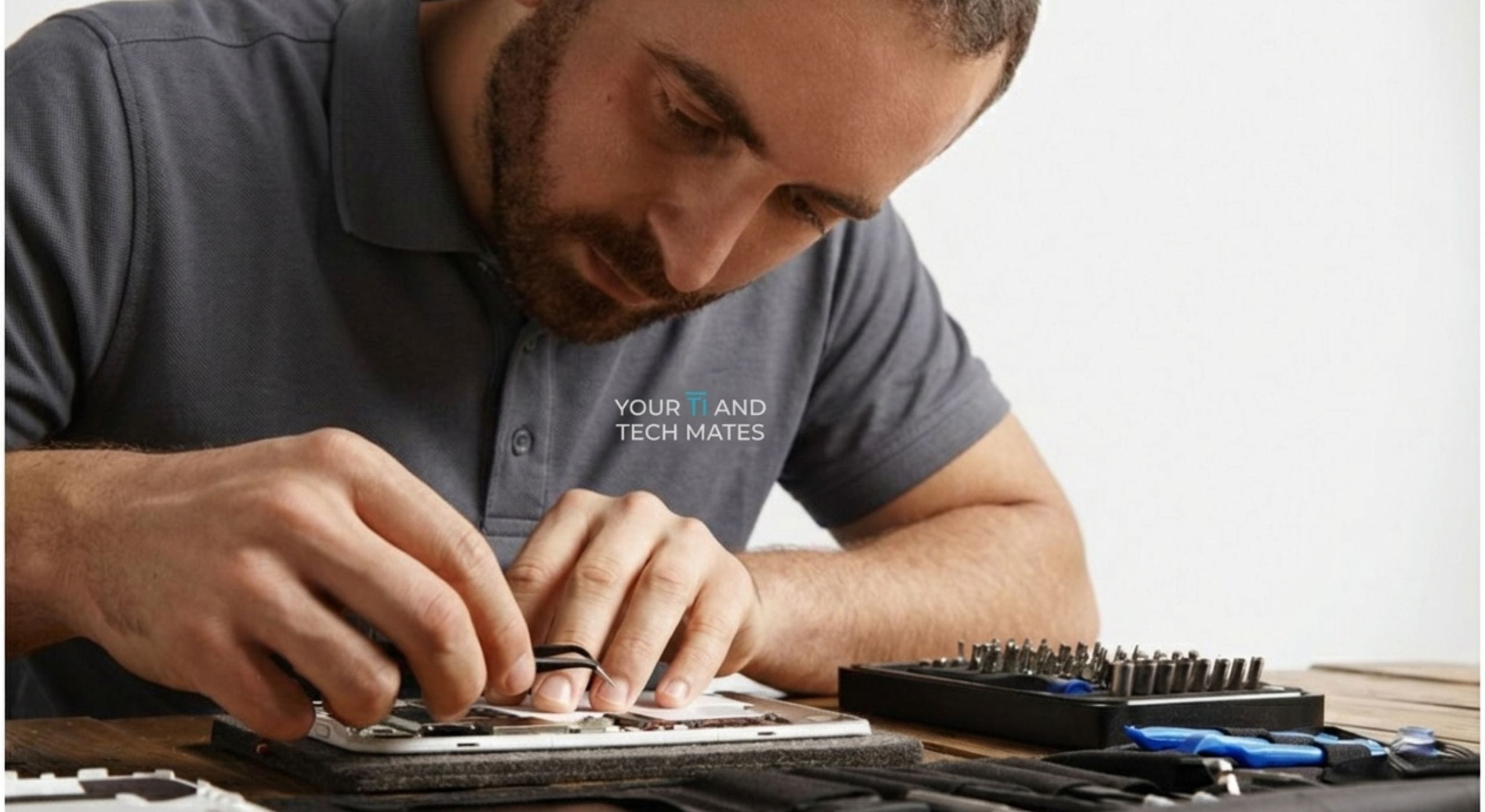
A Lalor teacher had a 7-year-old laptop taking 18 minutes to boot and 5 minutes to open Word. We cloned her data to a 500GB SSD, performed a clean Windows 11 install, and returned a machine that booted in 14 seconds. She described it as unrecognisable.
Understanding the cause helps you make better decisions — and helps us fix it faster.
If the device still uses a spinning hard disk, a compatible SSD may improve startup and application responsiveness. Actual improvement depends on the rest of the hardware, software and workload.
Laptops use different SSD form factors: 2.5" SATA, M.2 SATA, or M.2 NVMe. The correct type depends on your specific model — we confirm before ordering.
If the existing hard drive is failing, protect important data first. Replacement and data-transfer options depend on whether the drive remains readable and stable enough to copy safely.
Low memory, heat, startup software or demanding applications can remain performance limits after a storage upgrade. Check the whole device before buying parts.
Your result points to either an issue you can address yourself, or one that needs professional attention before it worsens.
There is no safe DIY SSD upgrade unless you have experience with laptop disassembly, a clean Windows installation, and data cloning tools. Attempting this without experience risks data loss from incorrect cloning or physical damage from improper disassembly.
Professional SSD upgrade is recommended for: all MacBooks (proprietary connections and tools), thin-and-light laptops (ribbon cable risk), and any upgrade where the current drive contains data you can't afford to lose.
If you are unsure which page to use next, call 0452 323 571 and we can point you to the most useful next step instead of making you guess.
In many cases, yes. Startup times, app launching and general responsiveness usually improve dramatically compared with old hard drives.
Many are, but compatibility, overall condition and the rest of the hardware still matter.
If the laptop still suits your needs and has no major faults, an SSD upgrade can be the best-value fix.
Use these links to move from research to the right service, local page, or next diagnostic step.
If you have read this page and already know the issue, the fastest next step is to call, text or use QuoteMe. If you are still not sure, tell us the model, the fault and how urgent it feels — we will point you in the right direction.
This guide now links into the used-laptop ecosystem so visitors can compare the value of an SSD upgrade against buying a better-fit used laptop for school, uni or work.
Join TheFixers.APP and refer friends, family or clients to Your IT and Tech Mates. If an eligible referral books and completes a paid job, a thank-you reward of up to 5% of the completed job value may be reviewed under the referral terms.
Sign up free at TheFixers.APP and get your unique referral link.
Your contact books through your link and we handle the support from there.
Eligible rewards are reviewed after a completed and paid job under the referral terms.