If anyone is in immediate danger, being threatened, or unsafe, call 000 now. If money is missing, call your bank first, then report the scam to police or ReportCyber. For identity risk, consider IDCARE. For cyber advice, call 1300 CYBER1.
Free first check before you pay for help.Some tech callouts can cost around $199 or more for simple scam checks. Your IT & Tech Mates built these free tools to help you slow down, check safely, and only book hands-on help when you really need it.Use free checker
Family and seniors scam safety
Help My Parent Check a Scam
Use this with a parent or older family member before they reply, click, pay, share a code or install anything.
Built for Australians who need a calm first check before clicking, paying, replying, sharing a code or installing anything.
Privacy reminder: Do not enter passwords, one-time codes, card numbers, Medicare details, licence details or private documents. Tick the warning signs only.
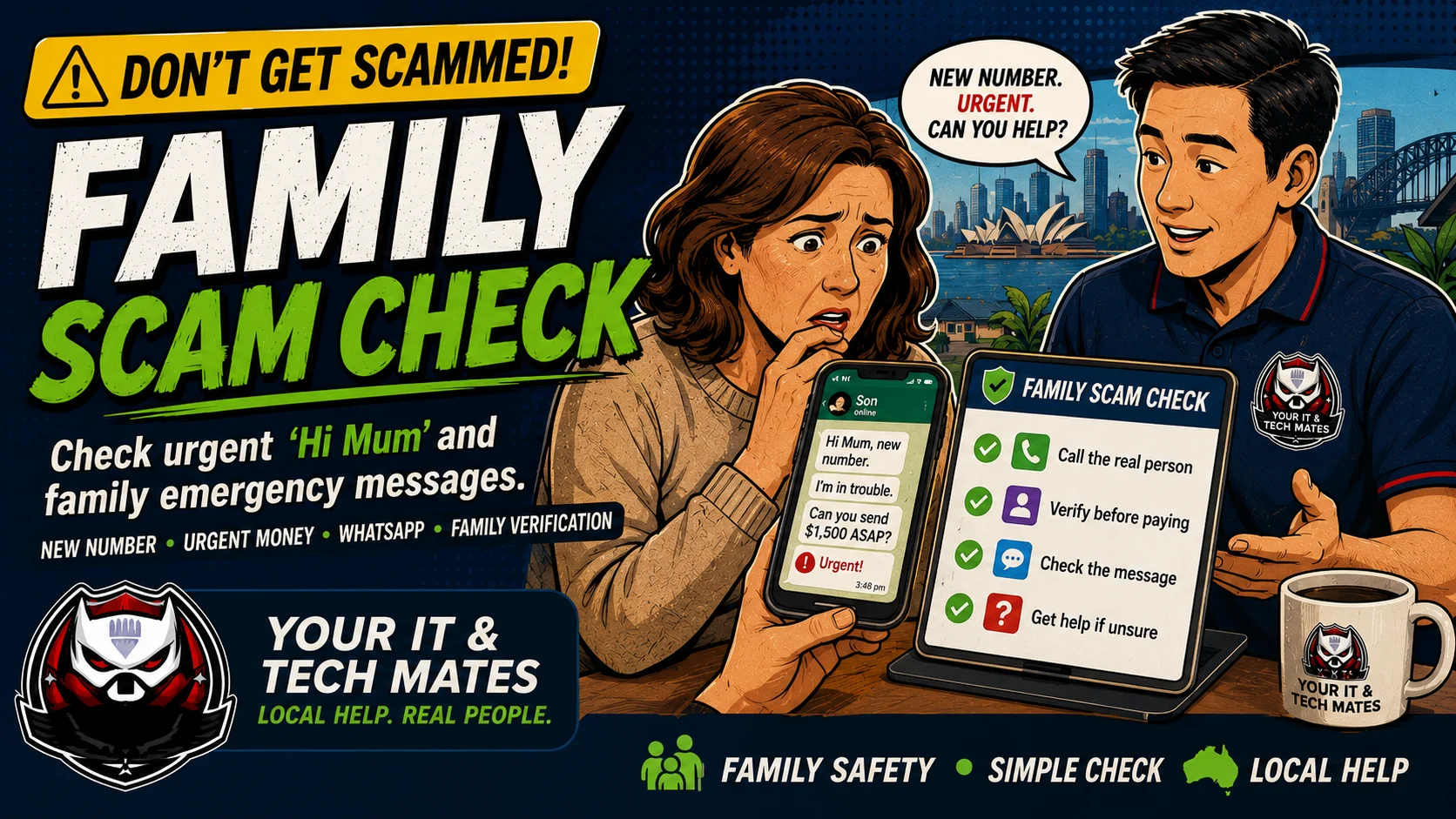
Your IT & Tech Mates Help My Parent Check a Scam Australia hero image showing an older parent and family member checking a suspicious message together with no shame, simple steps and local tech help.Answers stay on this page
Triage first
What happened? Choose the safest starting point.
Use this as a first-check triage system. Start with the situation, then move to the safest next step before paying for help.
Safety rule: If money is missing, contact your bank first. If anyone is unsafe or threatened, call 000. Do not share passwords, one-time codes, card numbers or ID details in these tools.
User-tested safety flow
Designed for the moment people feel rushed or unsure.
This tool now gives a clearer path for three real situations: checking before acting, helping someone else, or recovering after money/details were shared.
Before acting
Do not shame, argue or rush them. A calm response helps them tell you what really happened.
Safest first step
Reassure them first, pause the action, then verify through a saved number or official website — not the suspicious message or caller.
If something already happened
If money, codes, passwords or remote access were shared, move from checking to recovery: bank first if money is involved, then account/device security.
Free scam safety helper
Tick what applies.
The result gives a simple risk level, what to avoid, and the safest next action.
Before I actUse this page first, then verify through official details.
Already actedSelect Yes below so the result switches into urgent triage steps.
Helping someoneUse the no-shame share block and keep private details out of messages.
Share this safety check
Help someone check before they click, pay or share details.
Scams spread fast. Sharing this free checker with a parent, friend or work colleague may help them pause before they lose money or share personal information.
Send this to family before replying, clicking or paying.
This is a simple, no-shame scam checker for helping a parent or older family member check a suspicious message, phone call, payment request or remote access request: https://youritmates.com/services/tools/data-and-security/help-my-parent-check-a-scam.html
I’m helping someone else
Use a gentle, no-blame approach. The goal is to slow things down and keep them safe.
Do not blame or shame them.
Ask them not to reply, pay, click or install anything yet.
Check the message, caller, payment or website together.
Save screenshots, numbers, links and receipts.
Get help if money, passwords, identity details or remote access were involved.
Your IT & Tech Mates
Help My Parent Check a Scam
Stop. Check. Stay Safe. A quick first-check guide for Australians.
Warning signs
Unexpected message, call or payment request
Urgency, fear or secrecy
New phone number claiming to be family
Asked to install remote access
Asked for codes, banking or identity details
Next safe steps
Stay calm and avoid blame
Ask them not to reply, pay or click yet
Check the sender using a known phone number
Save screenshots and call details
Get help if money, passwords or remote access were involved
Free checker: https://youritmates.com/services/tools/data-and-security/help-my-parent-check-a-scam.html Need local help? Call 0452 323 571.
How to help without making them feel blamed
Many scam victims stay quiet because they feel embarrassed. A calm family response helps people tell the truth faster, which protects money, accounts and identity details.
The safest habit is to pause the action, use a known number to verify, and keep evidence. Do not argue with the scammer and do not use contact details from the suspicious message.
What to do if it feels urgent
Reassure them first: no blame, no shame, and no rushing.
Ask them not to reply, pay, install software or share codes while you check.
Call the real person or organisation using a saved number, not the message link or caller number.
If money was sent, call the bank first and save screenshots, phone numbers and payment receipts.
If remote access or account details were shared, disconnect the device and start the hacked recovery helper.